Top 20 Features for Online Hotel Reservation System
The right booking system makes every guest feel confident from the first click. A great hotel reservation system turns website visitors into paying guests fast.
A good system handles both the guest experience and your back-end operations. Guests book with ease, and you stay in control of your rooms and pricing.
This guide covers 20 features every hotel reservation system should have. Each one plays a real role in filling rooms and growing your property.
Section 1: Guest-Facing Features
These are the features guests see and use on your hotel website. A smooth booking page turns visitors into paying guests.

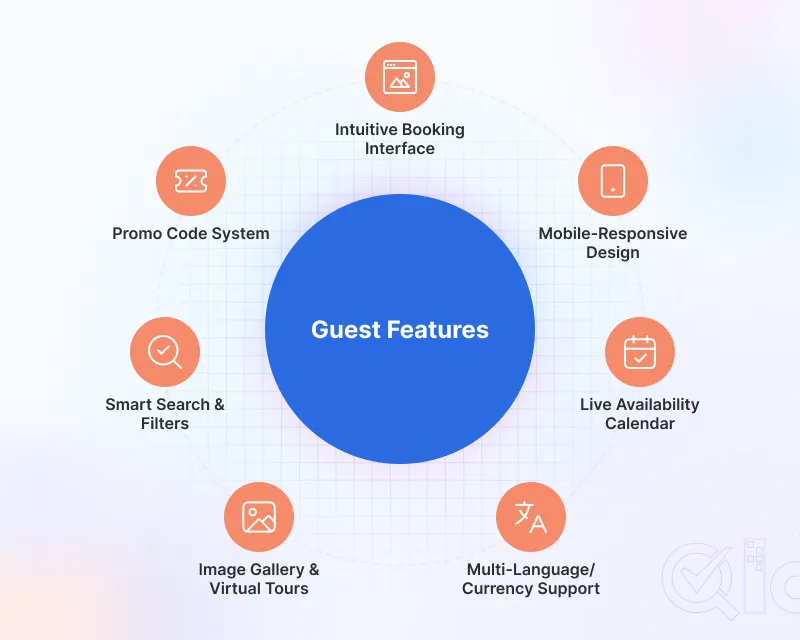
1. User-Friendly Booking Interface
Guests should book a room in under three minutes. A clean layout with clear buttons makes that happen.
Guests stay and book when room details are easy to find. Your booking engine should guide guests to payment in as few steps as possible.
2. Mobile-Responsive Design
A majority of hotel searches happen right on phones. A slow booking page or a messy layout will drive people away almost instantly.
A responsive design handles this by instantly adapting the layout. It lets guests tap buttons naturally without making them pinch or zoom to read tiny text.
3. Real-Time Room Availability Calendar
Guests want to check dates and book without calling your front desk. A live calendar shows open rooms the moment a guest picks their dates.
An automated calendar means fewer guests call to check room availability. Clear availability information builds guest confidence fast.
4. Multi-Language and Multi-Currency Support
Foreign travelers prefer using their native phrasing and money. A hotel reservation system lacking these features loses global revenue.
Deploying Multi-Language & Multi-Currency features eliminates checkout hesitation. Buyers commit fast when they skip complex math.
5. Image Gallery and Virtual Tour
Guests book what they can see. A strong image gallery showing clean rooms and real amenities builds confidence fast.
Great room photos take the guesswork out of booking. Plus, tossing in a virtual tour lets guests explore the whole place before arriving.
6. Easy Search with Filters
Guests arrive at your booking page with a specific need. Search filters let them find the right room by date, price, or number of guests.
Filters save time and stop guests from leaving before they find a room. Guests who find results fast are more likely to complete the booking.
7. Discount and Promo Code System
Direct bookings cost you nothing in online travel agency (OTA) commission. A promo code system gives guests a solid reason to book straight from your hotel website.
Voucher codes help you protect your margin and reward loyal guests. One promo code can also lock in a long-term corporate agreement.
Section 2: Booking and Payment Features
These features handle the transaction itself, from payment to confirmation.

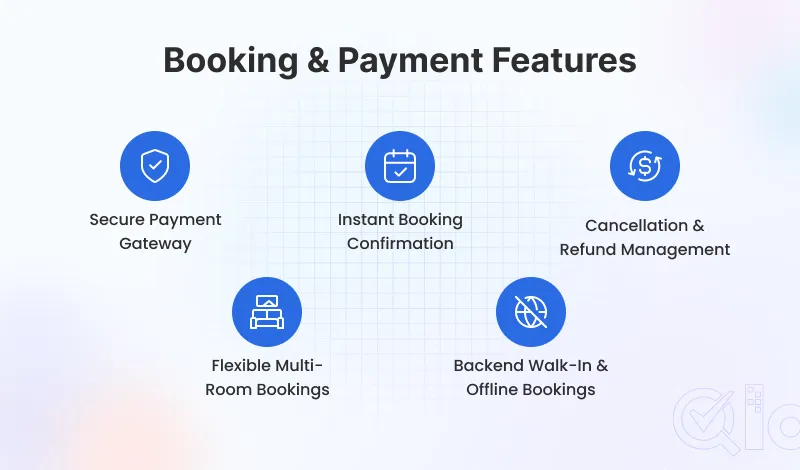
8. Secure Online Payment Gateway
Guests will not complete a booking on a page that looks unsafe. Secure technology keeps guest payment details safe at checkout.
Your system should accept credit cards, debit cards, UPI, and digital wallets. More cashless payment options mean fewer guests abandon the cart at the last step.
9. Instant Booking Confirmation
Guests want booking proof the moment they complete payment. An automatic confirmation email or SMS lands within seconds and removes all doubt.
A good confirmation sends dates, fees, and check-in details instantly. A clear confirmation also cuts front desk calls by a wide margin.
10. Cancellation and Refund Management
Guests read your cancellation rules before they book. A clear and flexible policy gives them confidence to commit.
Let your hotel reservation system handle refund management automatically using your rules. Having flexible policies keeps guests from canceling by letting them reschedule.
11. Multi-Room Booking for Separate Dates
Large families and corporate clients frequently require more than a single unit. Your system should let them purchase multiple rooms at once.
Each room can have different dates, types, and rates in the same booking. This removes the need to make separate reservations for each room.
12. Offline and Walk-In Booking from Back-End
Not everyone books online. Walk-ins and phone calls need to flow right into the same system to avoid overbooking.
A quick back-end panel lets your front desk log these reservations manually in seconds, keeping everything in one spot.
Section 3: Hotel Management Features
These are the back-end features that help you run your property and protect your revenue.
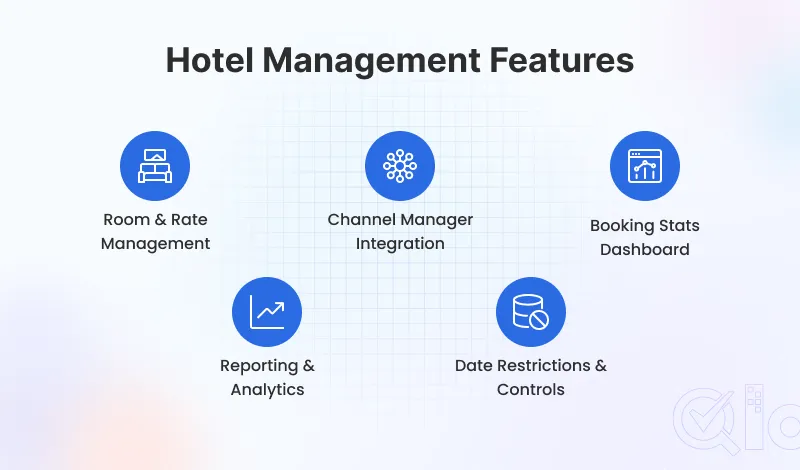
13. Room and Rate Management
Think of your rooms as your inventory. A proper system lets you tweak room details and handle dynamic pricing without jumping between different screens.
The system also allows your staff to pause individual room availability for cleaning or repairs. Your live booking calendar updates instantly.
14. Channel Manager Integration
OTAs easily slice off 15% to 25% per booking. Setting up a channel manager fixes this by syncing available rooms across every platform at once.
The moment a room sells on Expedia, it drops off Booking.com. You maintain your reach without the headache of updating calendars one by one.
15. Dashboard with Booking Stats
Your front desk needs a quick way to track daily arrivals and stays. A live dashboard drops all those moving parts onto one screen.
Your team can check pending payments and room status without switching screens. Faster information means fewer mistakes during busy check-in periods.
16. Reporting and Analytics
Your dashboard tracks daily occupancy and revenue instantly. Over time, monthly reports pinpoint your busy seasons and top-performing channels.
Tracking your hotel metrics weekly helps you spot pricing mistakes before they cost you. Clean reports also make financial reviews with owners or banks much easier.
17. Booking Restrictions and Date Controls
Some dates need to stay closed so no new bookings come through. Block renovation dates in your system before they go live online.
Your hotel reservation system should also support minimum stay rules. Booking caps let you stop new reservations once you hit a set limit.
Section 4: Trust, Visibility, and Support Features
These features build guest confidence, improve your online presence, and keep your system running well.

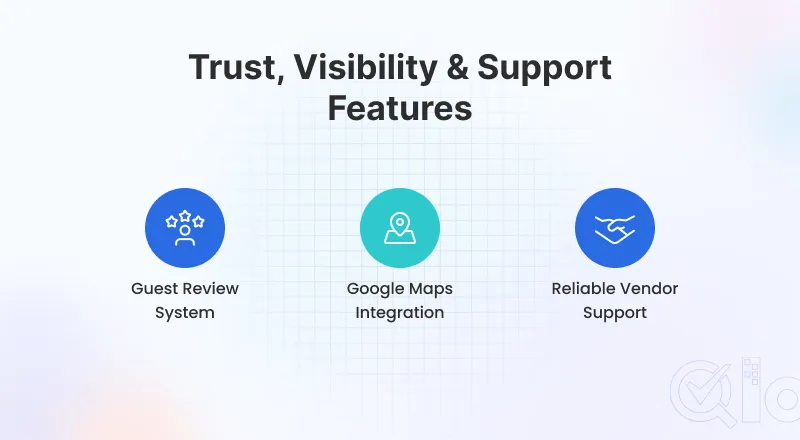
18. Guest Review System
Most people won’t book a room without reading online reviews first. Pulling guest feedback directly onto your website keeps that proof right where they shop.
Displaying these reviews keeps guests from leaving to search TripAdvisor. Replying directly proves to future customers that you actually listen.
19. Google Maps Integration
Guests always check where a hotel sits before they book. A Google Maps integration shows your location without guests leaving your site.
Good location visibility also supports local SEO. The map also gives arriving guests turn-by-turn directions straight from your hotel website.
20. Reliable Vendor Support
Your booking system going offline on a Friday night is a real risk. A vendor with 24/7 tech support gets you back online before you lose a single reservation.
Fast support also matters during software updates, payment issues, or OTA sync errors. Good support is not a bonus feature. It is part of what you pay for.
Key Takeaways
- A hotel reservation system should serve both the guest and the hotel owner equally well.
- Mobile design, real-time availability, and instant confirmation are non-negotiable in 2026.
- A channel manager protects your room inventory across every OTA and your direct booking site.
- Reporting and analytics turn your booking data into a real pricing and revenue strategy.
- Vendor support keeps your system running when it matters most — during peak booking periods.
Conclusion
The right hotel reservation system covers every stage of the guest journey. From the first search to the final payment, each feature plays a real role.
Guest-facing features win the booking. Back-end features protect your revenue and keep operations clean.
Trust features and reliable vendor support keep your property running smoothly every day. These 20 features give any hotel a strong foundation to grow direct bookings and cut OTA dependence.
Get In Touch
If you are looking for a complete solution to manage all your property operations from one centralised platform, then QloApps is the solution for you.
Let’s collaborate to streamline your processes and enhance guest satisfaction.
To get started with this user-friendly software. Just download it and add your property to QloApps.
If you have any suggestions, you can share them on the QloApps forum. For any technical assistance, kindly raise a ticket.